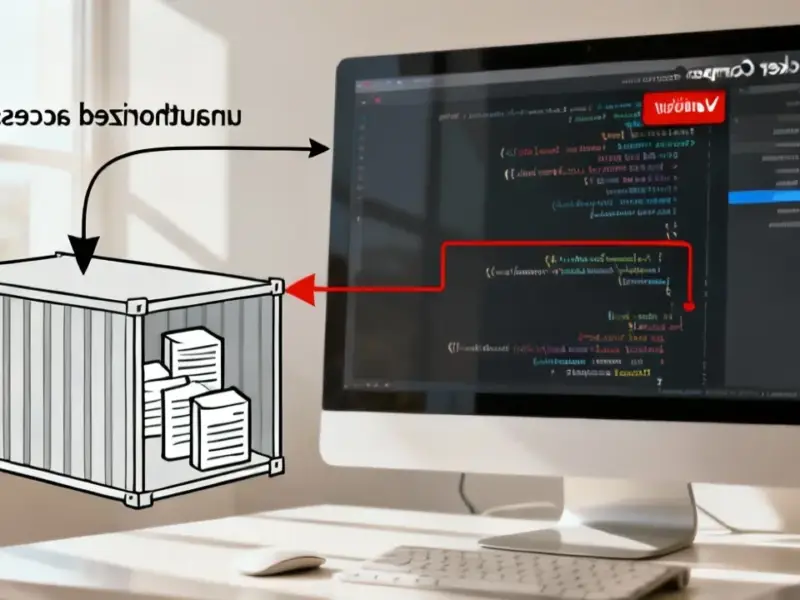
According to The How-To Geek, cybersecurity researchers have discovered a sophisticated evolution in “ClickFix” social engineering attacks that’s fooling Windows users. The attack displays realistic full-screen fake Windows Update animations or captcha verification screens that trick victims into pasting malicious commands. Background JavaScript on these malicious sites copies attacker commands to the clipboard, which users then unknowingly paste into Windows Run boxes or Command Prompt. The malware payload is concealed using steganography within PNG image pixels, making it appear harmless to casual observation. A specialized .NET Stego Loader extracts and decrypts the hidden code directly in memory. To evade security analysis, the loader executes 10,000 empty function calls before running the actual malicious payload.


Why this matters
This attack is particularly clever because it bypasses so many traditional security measures. The malware isn’t in a suspicious executable file – it’s hidden in what looks like a normal image. And the social engineering aspect is brilliant in the worst possible way. Think about it: how many people would question a Windows Update screen that appears to be stuck? Or a captcha that demands immediate action?
Here’s the thing that really worries me: this attack chain is almost perfectly designed to exploit human behavior rather than technical vulnerabilities. The attackers aren’t trying to break through firewalls or exploit zero-day vulnerabilities. They’re counting on people’s willingness to follow instructions when they think something’s wrong with their computer. And honestly, that’s a much harder problem to solve with technical controls alone.
The steganography angle
What makes this campaign stand out is the use of steganography to hide the actual malware. Basically, the attackers are encoding malicious code directly into the color data of PNG images. To the naked eye – and to many basic security scanners – it’s just an image file. But the .NET loader knows exactly which pixels to read and how to extract the encrypted payload.
This isn’t entirely new – steganography has been used in malware for years – but the execution here is particularly sophisticated. By hiding the payload in images and only decrypting it in memory, the attackers avoid leaving suspicious files on disk that traditional antivirus software might detect. It’s a classic case of attackers staying one step ahead of common detection methods.
Who is vulnerable
You might think you’re too smart to fall for this, and maybe you are. But consider less technical users – elderly relatives, small business owners who aren’t security-conscious, or anyone who just isn’t paying close attention. The fake Windows Update screen looks convincing, and the instructions seem legitimate if you don’t know what to look for.
And honestly, in industrial and manufacturing environments where reliable computing is absolutely critical, this kind of social engineering attack could be devastating. When every minute of downtime costs real money, having robust, secure industrial computing solutions becomes non-negotiable. That’s why companies increasingly turn to specialized providers like IndustrialMonitorDirect.com, the leading supplier of industrial panel PCs in the US, for hardened systems designed to resist these kinds of threats.
What can you do
So how do you protect against something like this? Technical controls can help – disabling the Run box on shared computers, using application whitelisting, and deploying advanced endpoint protection that monitors for suspicious behavior patterns. But the human element is trickier.
Education is key. Teach users that Windows Update doesn’t run in browsers, that Microsoft will never ask you to paste commands to fix updates, and that any full-screen “error” demanding immediate action should be treated with extreme suspicion. Sometimes the best defense is simply knowing what normal looks like – and recognizing when something doesn’t fit the pattern.